Howl’s Moving Castle is one of the best animation I’ve ever seen this year. This is the type of story line that has to be watched twice in order to understand and find the true meaning behind the inspirational animation. I’ve spent countless minutes watching it and it was worth it, I can’t say the same for anyone else. Howl’s Moving Castle is a stark contrast from The Shutter, the movie that could make us hear noise when we’re alone, but The Shutter is extremely cool when we need the suspense. ; )

hoewlsoundtrackmemory.mp3 A short soundtrack.
The second most significant thing that caught my attention is Calcifer. Calcifer is a fire demon whose job it is to be the soul, the heart, the butler and the pilot of the amazing castle.
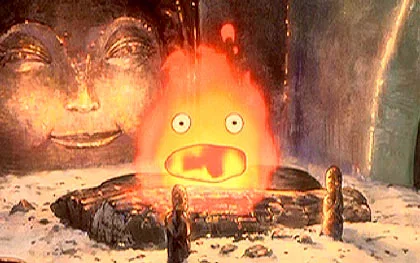
Lovely Calcifer, the heart of the castle.
Calcifer runs, operates and controls almost every part of the castle. This is cool because this means that I’m not the only one that believe that there is a Calcifer behind each of my tools. Yes, I might sound crazy but I treat my property just like Howl treats Calcifer. I often speak to my property (in my mind.) I don’t abuse the things that I own, organic or inorganic materials. But every property are used to its full potential in extreme environment and used in extreme fashions. By showing that I appreciate everything I own, my “things” become very reliable and loyal to me. In fact, all our cars (one is 19 years old,) expensive tools and even machinery are called Mrs. Reliable (Khoon.)
Some of the things that caught my attention is the architecture of the buildings, the drawings of the scenes and the use of colors. The buildings are constructed using traditional wooden joints which are built much like furniture, like this building below which I’d screen captured from the DVD.
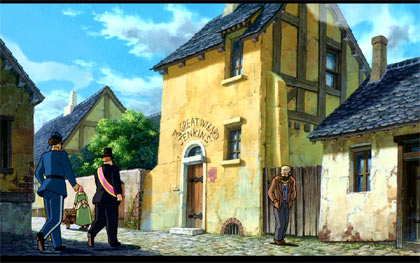
Howl’s home/business.
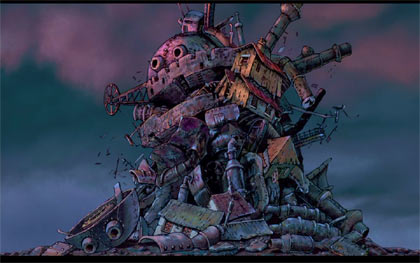
The castle (mansion) collapsing.
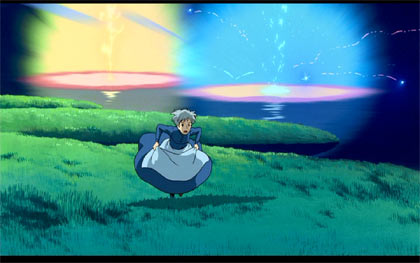
In this picture, Sophie is seen running in the flower field. Behind her is an example of the beautiful, joyful color in the lake. The use of color in this way from Hayao Miyazaki is rare.
Some of the scenes I don’t get is this one. He runs out of the bathroom screaming about his ruined hair color. It’s unlike Howl to be acting like that. 🙂
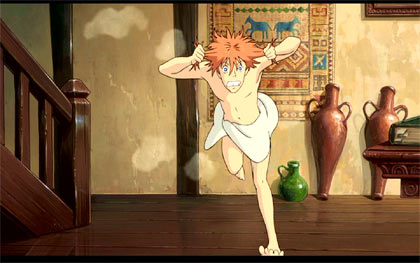
Disadvantages: The disadvantages about this movie that the story line goes on for a while without a clean plot. It isn’t a simple story. But may be a story that tells the stories of strange dimensional shifts, witchcraft, wizardry and the practical lives in that era. There are some shocking scenes, like Howl running out of the bathroom and nearly dying. And the witch being adopted by Sophie. Whatever shocking scenes there may be, they are still an experience. 🙂
Edit: misspelled howl, not howel’s .
 Google’s homepage is experimenting with a minimalist concept by removing the search and “I’m feeling lucky buttons ” and fading the crucial menu. The fade is now a permanent part of the homepage as it was announce on 12/02/2009 at Google’s blog. If it gets any more simpler the homepage may disappear altogether. Other experiments include an expandable sidebar on search result (screenshot).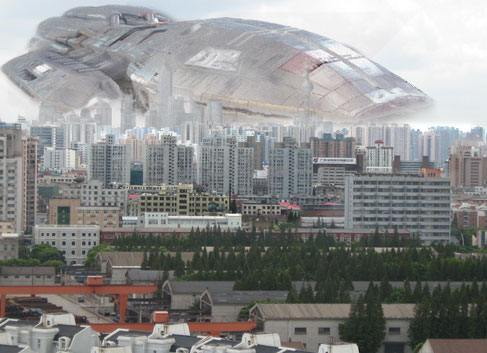




 Analog TVs will be outdated by February 17, 2009 (now June 12,) according to the FCC. Recently we’d aquired an 32″ HDTV and a 22″ HD monitor to get ready for the change. The monitor was paid for by Microsoft I got from a settlement program. On a side note, Bill Gates, with his philanthropy program, isn’t so evil after all. The LCD TV will be the third most expensive item our family would ever own, but not the most important item.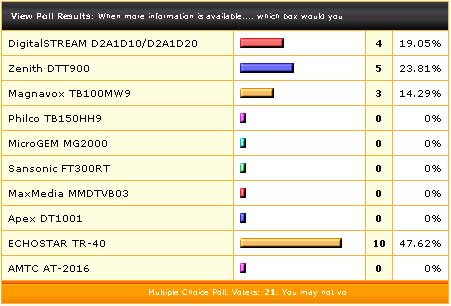

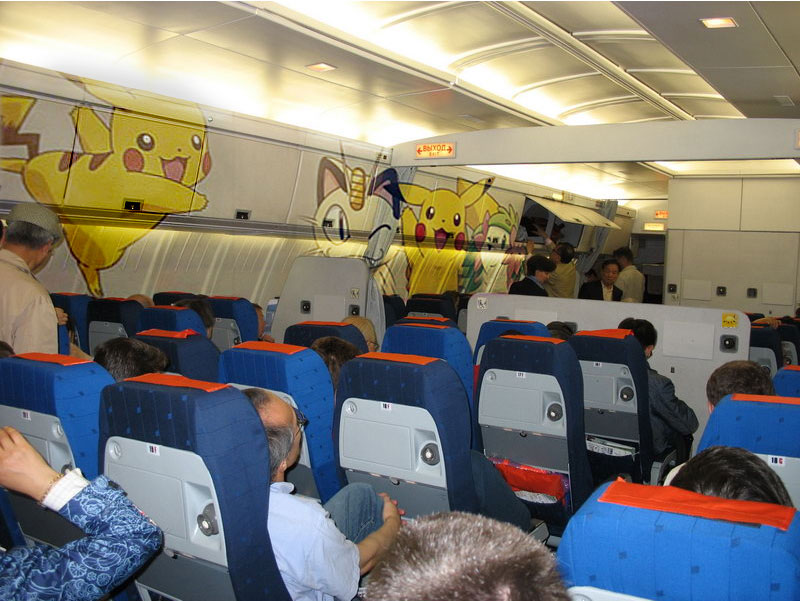
 It’s really fascinating to be able to board a flight where just everything is Hello Kitty – for Hello Kitty fans, maybe. Eva Air (of Taiwan) launched a new concept incorporating Hello Kitty in their fleet. This can be a dream come true for young Asian girls who prefer a Hello Kitty flight over a trip to Disney World while going somewhere at the same time.


 Sim's Blog
